UIUX Design for NYT Cooking
Optimizing the Recipe Search Experience to Support Personalized Results
Project Type
UIUX Design
Team
Fiona Szeto, Naomi Shah, Soomin Jeon, Yue Li, Yuval Zetone
Tools
Figma, FigJam
Date
3 Months (Jan–Mar 2025)

Overview
Problem
Users Struggle to Find Relevant Recipes Due to Overwhelming Search Results
Users with dietary restrictions often struggle to find relevant recipes due to rigid filters and overwhelming search results. They’re left manually sorting through the recommendations, leading to frustration, fatigue, and a poor overall experience.
Solution
Flexible Filtering Allowing Personalization
We redesigned the recipe search flow to give users greater control, allowing them to dynamically adjust filters and preferences without restarting the process. This flexibility supports a more personalized and accessible search experience.
Impact
Reduced Search Friction
Initial testing showed that users spent less time browsing and reached decisions faster, suggesting stronger alignment between users’ needs and results.
The Process
Background
We explored how the NYT Cooking platform could better support users with dietary restrictions by rethinking its recipe search experience. Our focus was on improving relevance, flexibility, and accessibility in everyday meal planning.
Design Challenge
How might we enable users to customize their search for more tailored and relevant recipe recommendations?
Target Audience
People with newly adopted dietary restrictions who need more control and flexibility when searching for recipes.
Goals
Reduce time spent browsing by improving relevance of results
Support customization without forcing users into rigid filters
Create a more inclusive and accessible search experience
Section 01.
Research
Assumption Mapping
We used assumption mapping to define our target user group and surface knowledge gaps within our problem space. This exercise helped us focus our design efforts and generate solutions to address the areas we were uncertain about.

Design Audit
We conducted a competitive audit of 7 primary recipe platforms and 6 secondary sources by analyzing discoverability, usability, and visual hierarchy. Platforms included Serious Eats, All Recipes, Tasty, and Bon Appétit. This helped us evaluate patterns in recipe search flows and identify opportunities where NYT Cooking could offer a more personalized, accessible experience.

Key insights
Lack of Customization for Dietary Needs
The current filter and search systems are too broad, offering limited, irrelevant, or unhelpful results for users with specific dietary restrictions.
Low Trust Due to Incomplete Information
Users struggle to trust recipe recommendations when ingredient or dietary details are missing or unclear at first glance, making it harder to feel confident in their choices.
Poor Categorization Limits Discoverability
Without a more nuanced categorization system, the platform fails to support diverse dietary contexts or tailored browsing paths.
Section 02.
Ideation & Design
Problem Framing
Challenge Mapping
Starting with the question “How might we help users find appropriate recipes?”, we explored both strategic goals (Why do we want to do this?) and practical barriers (What’s stopping us?). This process helped us discover gaps in personalization and inclusivity, and guided our ideation toward solutions that support diverse dietary needs.

The Problem
How might we enable users to customize their search, for more tailored and relevant recipe recommendations?
Solution Exploration
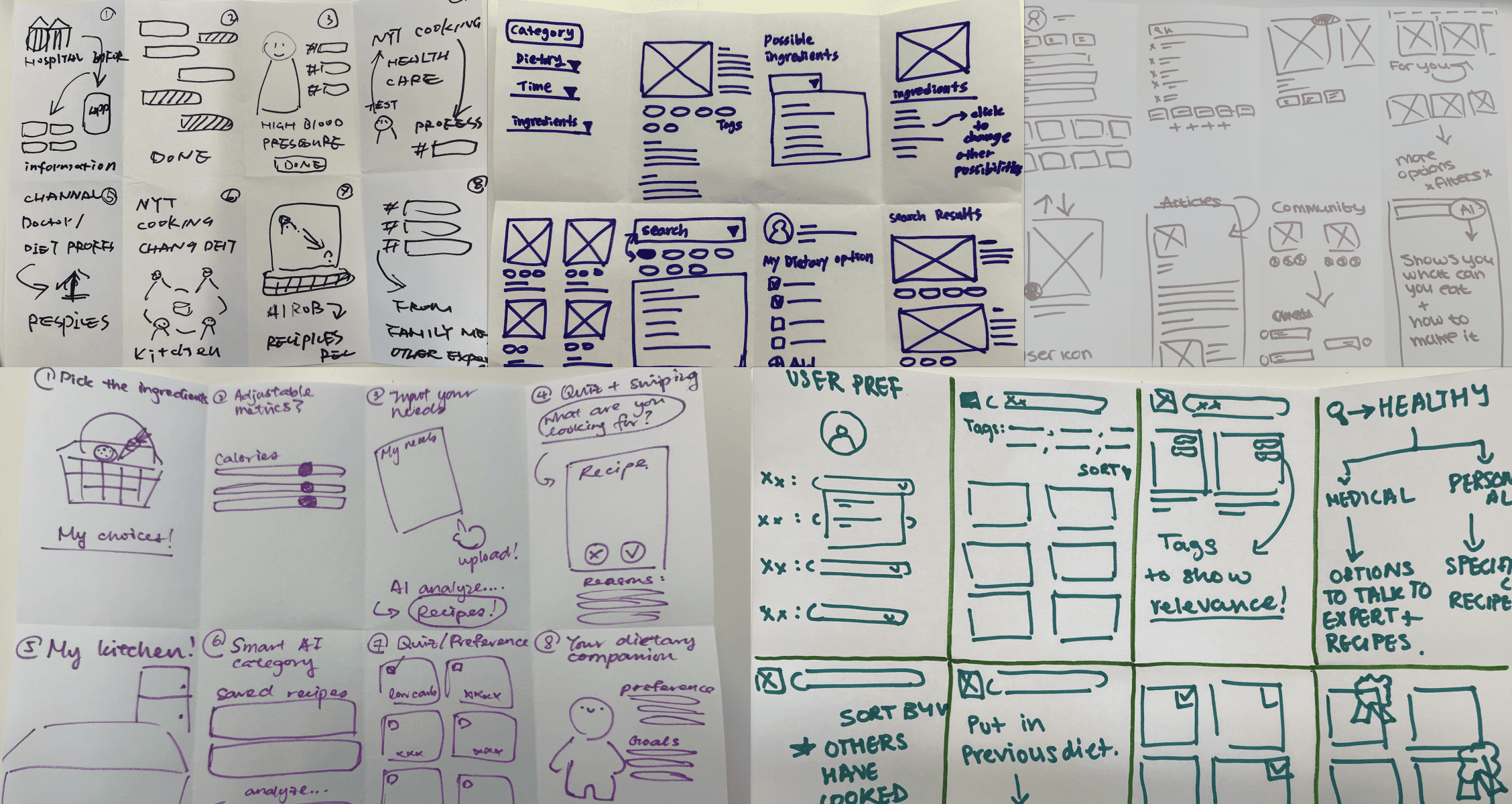
Crazy 8s
We ran an 8-minute rapid-sketch session with eight ideas per person to push out fresh concepts for potential solutions.
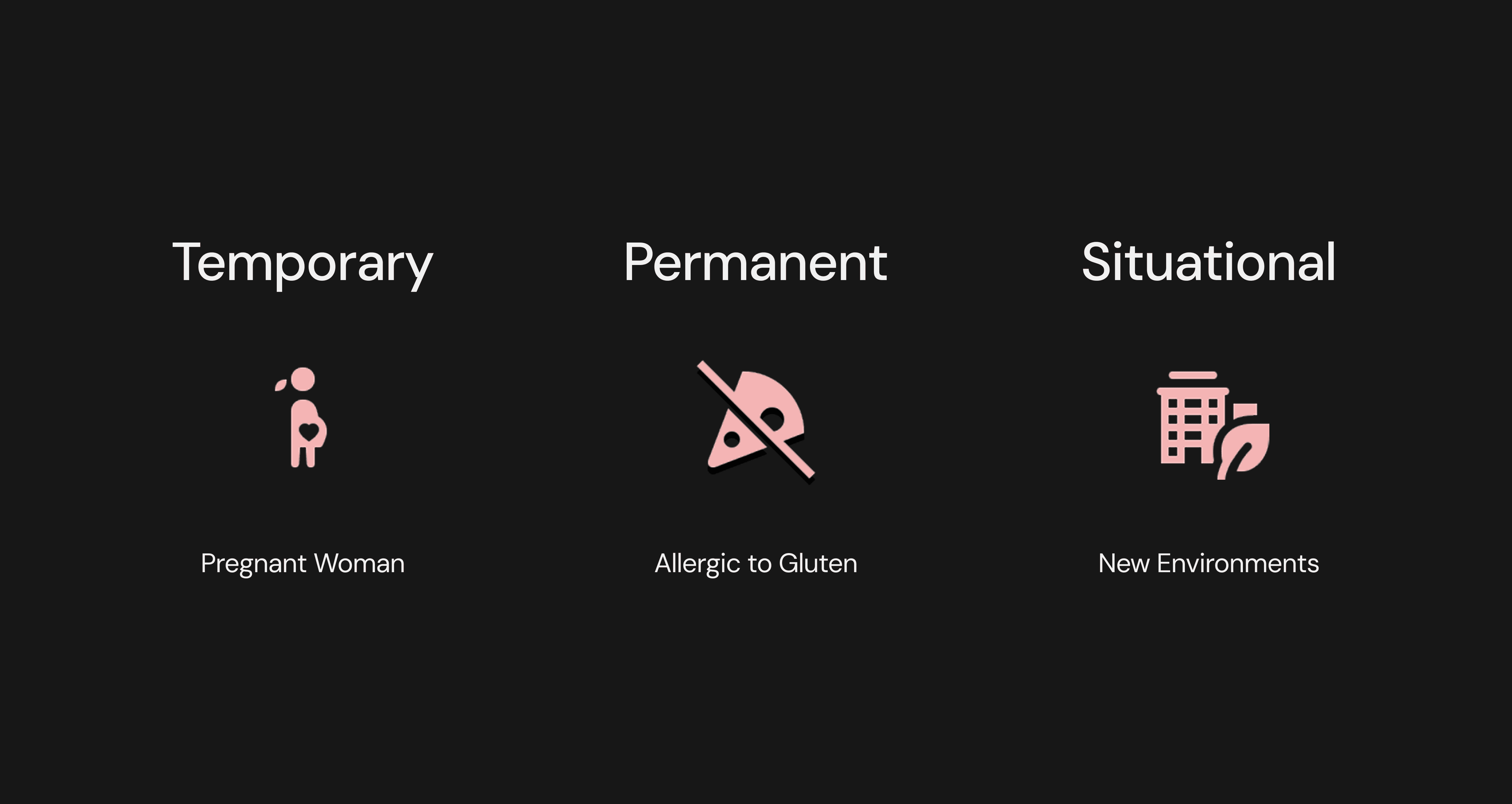
Key Emotional & Functional Needs - Permanent/Temporary/Situational Method
Design Development


Section 03.
Testing & Iteration
Goals
Understand how users choose to begin a recipe search (e.g. top nav, voice, direct input)
Evaluate whether the filtering system supports diverse dietary needs, and are useful and intuitive
Determine if the overall search flow aligns with user expectations and decision-making patterns
Methods & Materials
In-person Usability Testing
We conducted two rounds of usability testing with 5 participants each, before and after iteration, using a clickable prototype.
Task Scenario

Insights to Iterations
01.
Users Want to Search and Filter in One Flow
Not having filters in the search phase caused confusion and backtracking.
We made filter groupings more consistent to help users make faster decisions and minimize backtracking.

02.
Filters Must Be Intuitive, Clear, and Customizable
While users appreciated the flexibility of filters, inconsistent labels and overlap between top navigation and side filters caused confusion.
Improved Filter Usability
Ensured all filter elements, including checkboxes and the chat box, are clickable and clearly responsive to reduce confusion and frustration.

03.
New Features Need Better Affordance and Entry Points
The chatbot and multi-select filters were positively received once discovered but users had difficulty finding them.
Simplified Features for Clarity
Removed the voice feature from desktop and replaced it with a chat prompt for stronger visual affordances.

Section 05.
Outcome
Prototype
Next Steps
Develop a High-Fidelity Prototype Informed by Data
Refine the interface with improved visual design and interaction, and collaborate with data analysts to prioritize filter options based on real user behavior.
Test Accessibility and Broader Usability
Evaluate whether the design supports users beyond the initial target group—especially those with varying dietary needs or accessibility requirements.
Continue Iterating on Integrated Features
Improve how filtering, chatbot assistance, and navigation work together to create a seamless, low-friction experience.
Reflection & Learnings
Filters Aren’t Just UI — They’re Contextual Design Challenges
This project taught me that filters are far more than a list of checkboxes. They require a deep understanding of context, user intent, and information hierarchy. I learned that as a designer, it’s my responsibility to shape how filters adapt across use cases, not just to offer options, but to support different ways of thinking, deciding, and navigating.
Discoverability Can Make or Break a Feature
Even useful features like chatbots or multi-select filters can fail if users can’t find or understand them. Good interaction design isn’t just about function, it’s about guiding users intuitively to what’s helpful.
Testing Early and Often Uncovers Misalignments Fast
From unclear language to misaligned navigation, early feedback helped uncover usability gaps that wouldn’t have been obvious without testing. It reminded me that small copy or flow issues can have outsized effects on comprehension and trust.